
How to Search Durham County Court Records
Durham County court records are searched mainly through the North Carolina eCourts Portal. The portal runs on Tyler Technologies' Enterprise Justice platform, and the state put every county on it. It lets the public look up case information, hearings, judgments, and some documents for free. The Durham Clerk of Superior Court page links straight to the same portal for case info and for paying fines and fees in criminal and infraction cases. The portal covers both District Court and Superior Court files.
Gather what you know before you start. A case number gives the fastest result. A party name works too, but North Carolina uses wildcard rules you should learn up front. Smart Search defaults to a name or case number, and the state says it returns the most consistent results. Try it before you jump to a narrower search type.
- Open the North Carolina eCourts Portal and choose Smart Search for case records or Search Hearings for court dates.
- For a broad search, enter a case number or a party name. Use the Enterprise Justice case number format if you have it. For a wildcard name, use at least three last-name letters plus an asterisk and at least one first-name letter plus an asterisk.
- Use Advanced Filtering Options to narrow to Durham County, party date of birth, case type, status, filing date range, and categories such as Civil Actions, Special Proceedings, Estates, or Criminal Actions.
- For estate cases, enter the full decedent name and add the Estates filter, since the system is party-based and can return the same name in many roles.
- Review the results and open the case summary, also called the register of actions, to see parties, case events, hearings, and any dispositions.
- Request a certified copy from the Durham County Clerk of Superior Court if you need an official document. The portal is public access, not the official record.
- If a case does not appear, check spelling, fix the wildcard, drop a narrow filter, or search by attorney, citation, or cross-reference. Old, sealed, or expunged cases may not show.
The state keeps a training page that walks through Smart Search, Search Hearings, and judgment lookups in plain terms. You can read the official eCourts Portal training and resources page, shown below.
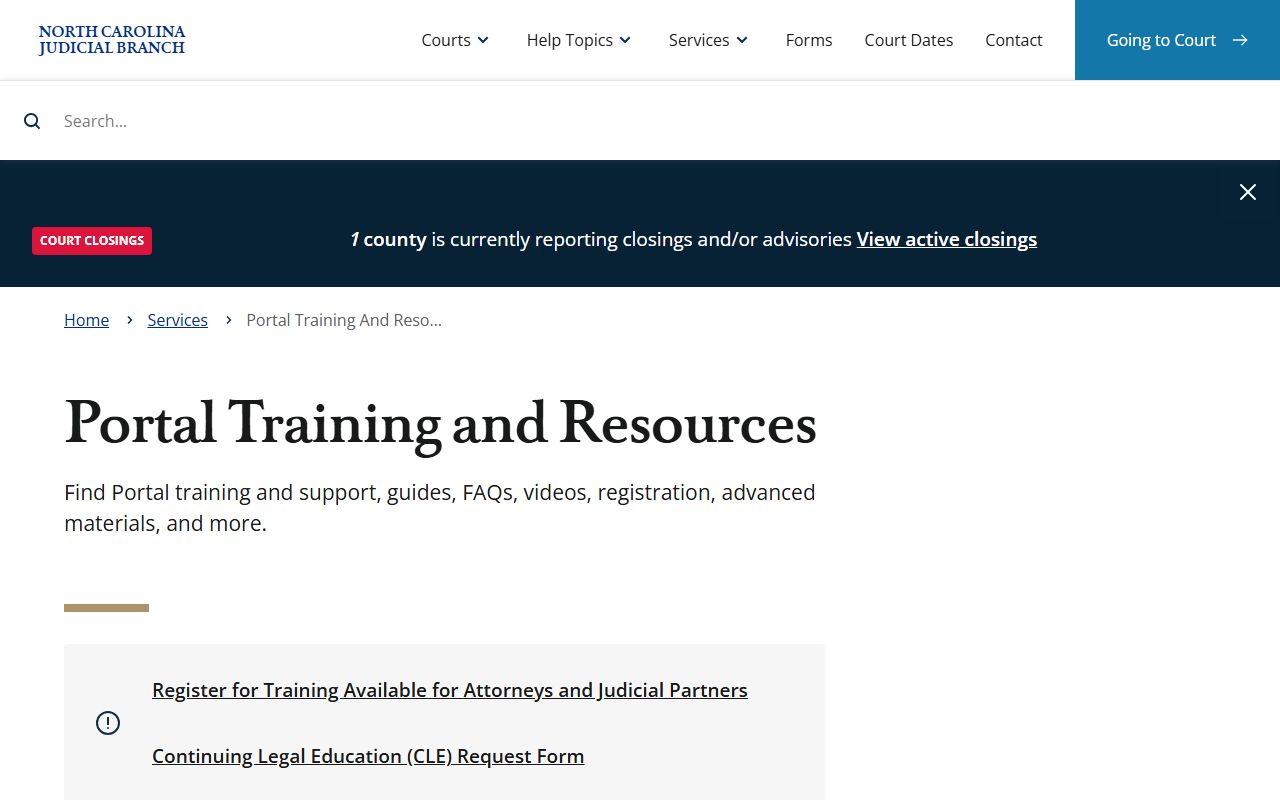
That guidance is why a Durham County court records search follows the same wildcard and filter rules as a search in any other North Carolina county.
The search itself starts at the live portal, where you pick Smart Search, Search Hearings, or Judgment Search. You can open the North Carolina eCourts Portal directly, shown below.
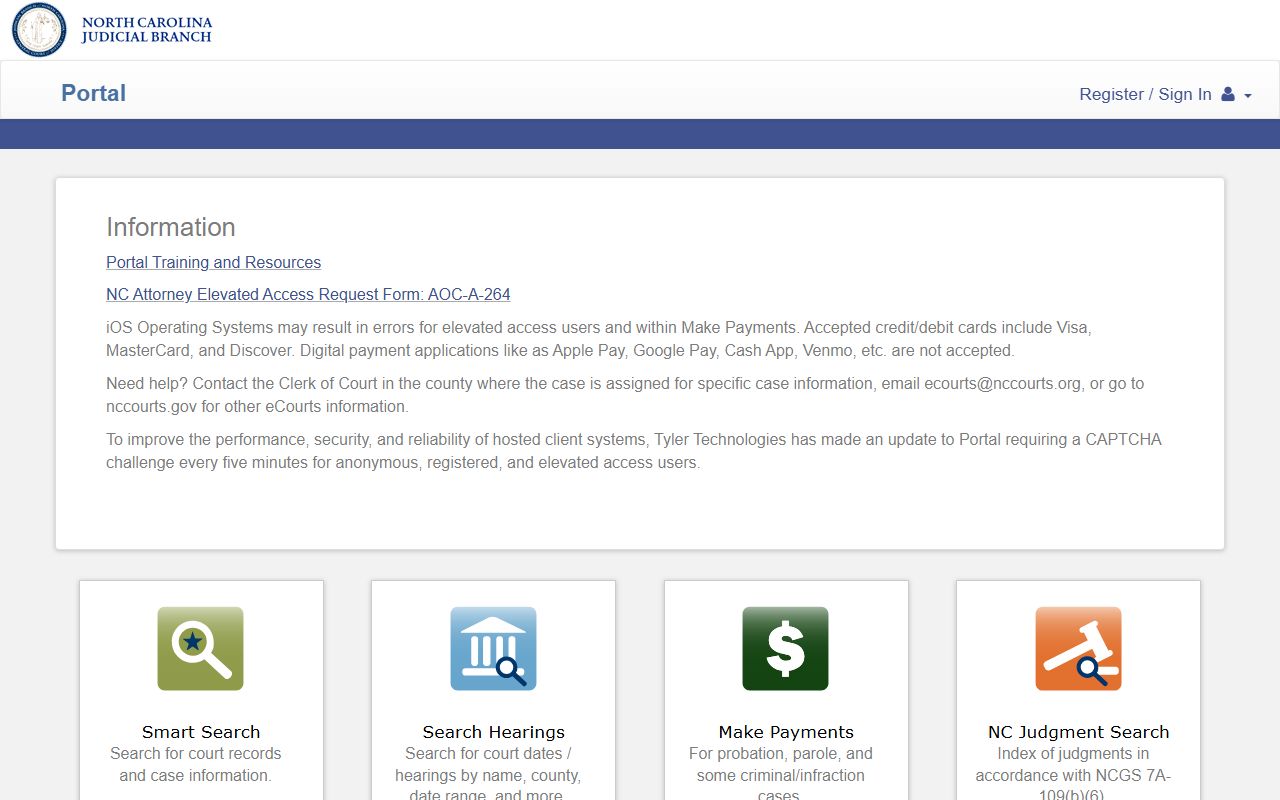
From that landing screen you can run a Durham County court records lookup by name, case number, citation, or attorney.
Durham County Court Records Search Fields
The eCourts Portal Smart Search accepts more than just a name. Each field narrows the result a different way, and a few have format rules worth knowing. Smart Search defaults to party name or case number. Advanced Search adds business name, attorney details, and statutory case categories. The case number has a fixed shape: a two-digit year, case type letters, a six-digit sequence, and a three-digit county code, such as 21CR000003-910.
The table below lists the main fields you can use for a Durham County court records lookup.
| Field Label | Type | Required | Notes / Format |
|---|---|---|---|
| Smart Search | Search portlet | No | Defaults to party name or case number; recommended for consistent results. |
| Case Number | Text | No | Year, case type, six-digit sequence, county code (example 21CR000003-910). |
| Party Name | Text | No | Three last-name letters plus asterisk, one first-name letter plus asterisk. |
| Business Name | Advanced filter | No | Use Advanced Search; replace a comma with a wildcard if the name has one. |
| Citation Number | Text | No | For traffic and citation matters. |
| Attorney Name / Bar Number | Text | No | Search by counsel of record or bar number. |
| Location / County | Dropdown filter | No | Select Durham County to narrow local results. |
You can also pick a statutory category in Advanced Search, such as Civil Actions, Special Proceedings, Estates, or Criminal Actions. A blank result never proves a person has no record. It can mean a misspelling, a wildcard slip, a sealed or expunged file, or a case in another county.
Types of Durham County Court Records
Durham County court records cover a wide range of case types, and the division that hears the case shapes where the file sits. District Criminal and Traffic Records handles district-level criminal and traffic files. Superior Criminal handles felony files. Civil, Family Court, Estates, and Special Proceedings each keep their own sets. Some of this material is public through the portal. Some is sealed or confidential by law.
Small claims is a part of District Court and is heard by magistrates. Appeals from small claims and evictions, plus rent bonds, run through the Judgments division. Below is a quick map of the main record groups and what they hold.
- Criminal records - misdemeanors, felonies, infractions, citations, pleas, dispositions, bond forfeitures, and vehicle seizures.
- Civil records - district and superior civil suits, small claims appeals, evictions, restraining orders, liens, and money judgments.
- Family records - divorce filings, custody, child support, and domestic violence protective orders.
- Probate and estate records - wills, estate administration, inventories, guardianships, and year's allowance filings.
- Special proceedings - name changes, foreclosures under power of sale, surplus funds, partitions, and boundary disputes.
Traffic citations are criminal or infraction court records too. The Durham County traffic court records page covers citation lookup, court costs, and dispositions in more depth, while the arrest records page handles booking detail.
What Durham County Court Records Show
A public case summary in the eCourts Portal can show a lot of structured data. The case number alone tells you something. Its four parts are a two-digit year, case type letters, a six-digit sequence, and a three-digit county code. The state's own example is 21CR000003-910. The case type letters hint at the record group, so CR points to a criminal case and IF points to a traffic infraction. The record may also list the court location, case status, assignment, and any documents that are public.
The table breaks down the fields you are likely to see on a Durham County court record.
| Field | What It Shows |
|---|---|
| Case Number | Year, case type, sequence, and county code that identify the file. |
| Filing Date | The date the case opened or an event was filed. |
| Parties | Plaintiff and defendant, the State and defendant, or petitioner and respondent, plus attorneys. |
| Case Events | The register of actions: motions, orders, continuances, warrants, and judgments. |
| Disposition | The result, such as guilty, not guilty, dismissed, or a civil judgment. |
| Hearings | Date, time, courtroom, and judicial officer where available. |
| Financial | Court costs, fines, restitution, and any balance owed. |
Some fields are masked. The portal hides Social Security numbers, may mask a public date of birth, and removes sealed or expunged records from public view. A charge is not a conviction, so always read the disposition before you draw a conclusion. The Durham County court dockets page explains how to read the events timeline.
Public Access Laws for Durham County Court Records
North Carolina mixes a broad public records law with court-specific rules. Chapter 132 sets a wide right of access to records that government agencies make or receive. Court records carry their own custodian rules and many exceptions, though. For county case files, the Durham County Clerk of Superior Court is the custodian, not the state administrative office. The state office says clearly that it does not hold county case documents, marriage certificates, or birth certificates. Several statutes shape what you can and cannot see.
You do not need a reason to inspect most court records. Anyone can search the portal. Fees apply to certified copies and to some large or special requests, and those follow court-cost rules and local clerk practice. The statutes below set the ground rules.
Key Statutes:
N.C.G.S. § 132-1 defines public records broadly to include papers, electronic data, and other materials made in public business.
N.C.G.S. § 132-6 requires custodians to allow inspection and provide copies as promptly as possible.
N.C.G.S. § 7A-109 sets clerk record-keeping duties and allows remote electronic access where the law permits.
N.C.G.S. § 7B-3000 makes juvenile records confidential and limits who may view them.
N.C.G.S. § 132-1.4 keeps criminal investigative files closed while leaving returned warrants and arrest facts open.
The state administrative office runs a web form for its own administrative public records, which is separate from county case files. You can see the NCAOC public records request page below.
For a Durham case file, skip that form and go to the clerk; the broader Durham County public records page maps each request path.
Sealed and Confidential Durham County Records
Not every Durham County court record is open. Juvenile records are confidential under state law, and access is limited to people the statute names, such as the juvenile, a parent, an attorney, or a prosecutor. Adoption records are sealed except for the decree and the index entry. Involuntary commitment records under Chapter 122C are confidential. Criminal investigative files are closed, though returned warrants, indictments, and basic arrest facts stay public unless a court seals them. Expunged records are removed from public view, so an old arrest or dismissed charge may no longer appear in the portal at all.
To view a sealed record, you usually need a statute that allows it or a court order. The court controls that decision, so start with the clerk division that holds the file. Expunction is the North Carolina process for clearing eligible cases. A petition is filed with the Clerk of Superior Court in the county of the charge, so a Durham charge is filed with the Durham clerk. Many petitions use state forms and may need a record check or a hearing, and the process can take several months. Do not rely on third-party sites to tell you whether a record is sealed, because their data can be stale.
Note: After an expunction order, the person may generally deny the arrest or charge, but limited exceptions exist for certain licensing, law-enforcement, and immigration uses.
In-Person Court Record Requests in Durham County
Some Durham County court records need an in-person trip. Official certified copies, older files, and records that do not display online all run through the clerk. The Clerk of Superior Court keeps its public counters at the Durham County Courthouse, with different divisions on different floors. Criminal and traffic records sit on the first floor in Room 1300. Civil is in Room 1500, Judgments in Room 1400, and Estates on the second floor in Room 2300. Public hours run Monday through Friday, and all entry is through the main South Dillard Street doors.
Bring as much detail as you can: a case number, party names, a filing year, or a citation number. That speeds the search and helps staff point you to the right division. The court system's own records help topic explains which records are open and which need the clerk.
You can review the official Superior Court jurisdiction page, shown below, to confirm which division hears your case before a trip downtown.
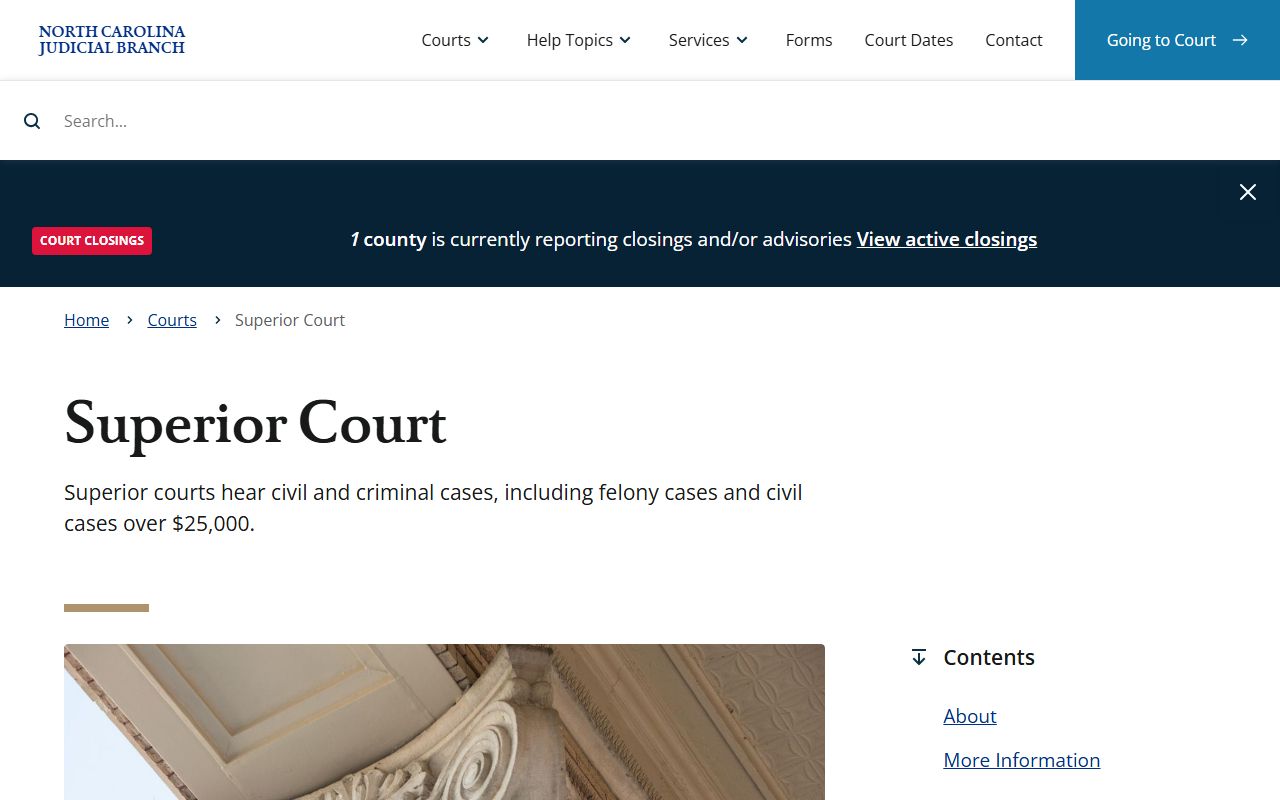
Superior Court hears felonies and larger civil suits, which tells you whether your file lives with Superior Criminal or a District Court division.
Durham County Clerk of Superior Court
510 South Dillard Street
Durham, NC 27701
(919) 808-3000
Mon-Fri, 8:30 a.m. to 5:00 p.m.
Forms and Small Claims Court Records
Many Durham County court records start as a standard state form. The North Carolina Judicial Branch keeps one statewide forms library that covers civil, criminal, estates, juvenile, and special proceedings filings. You can filter the library by form number or by topic, then file the right document with the Durham clerk. Using the correct form helps your filing land in the proper division the first time.
Small claims is its own slice of the record system. It is a division of District Court, and magistrates hear the cases. Durham civil magistrates take landlord-tenant disputes, small claims, and marriage ceremonies. If a party appeals a small claims result, the case moves up for a new hearing and the record shifts to the Judgments division.
You can browse the statewide Judicial Branch forms library, shown below, to find the document a filing needs.
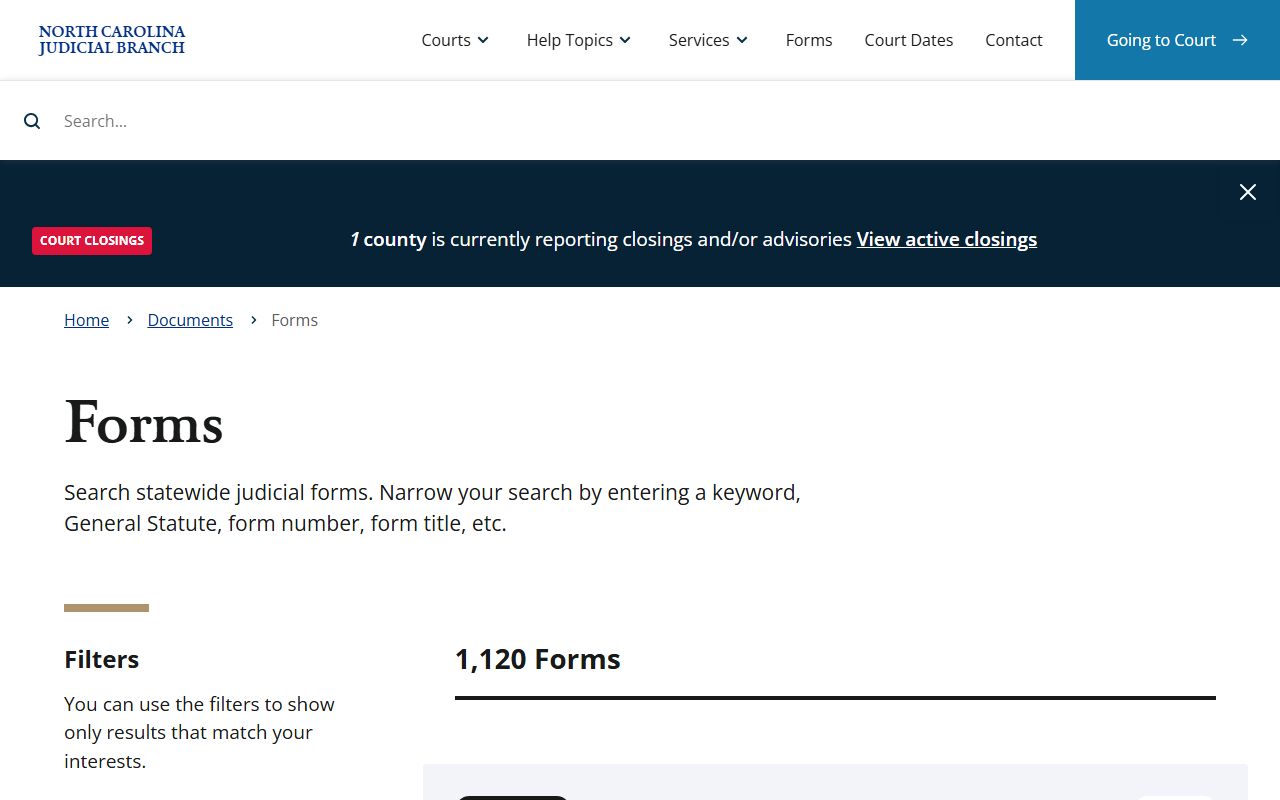
Filing the right form keeps a Durham County court record clean and easy to find later. The court system also explains how small claims works in plain terms.
You can read the official small claims help topic, shown below, before you file.
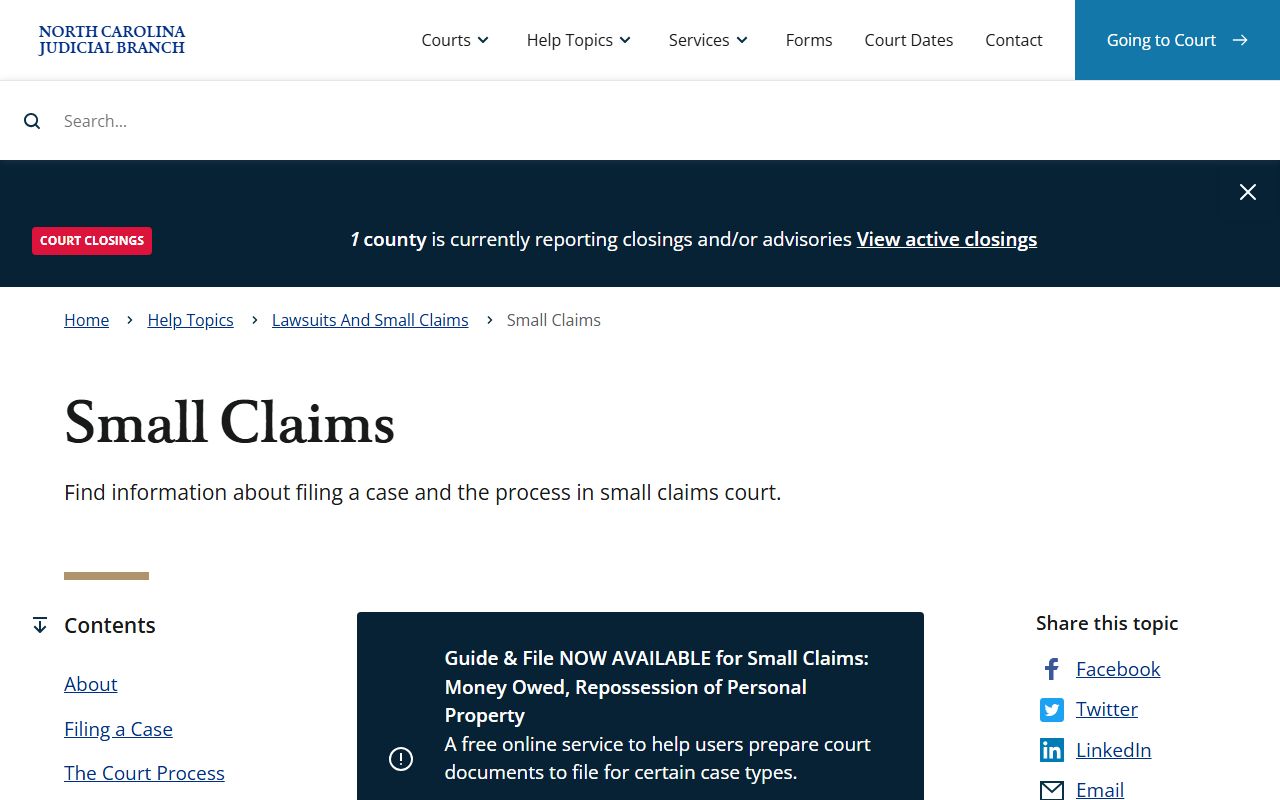
That page covers the dollar limits and the magistrate's role, which shape where a small claims record ends up.